

Commercial Scale + Field Applications • P8 • Model Sheets & Character Systems
Developing full multi-outfit, multi-setting model sheets that lock down identical facial geometry across completely different creative concepts.

To play catchup - Parts 1-5 Overview can be found at ‘Mastering the Core Pipeline’.
P6 • Motion & Temporal Space - Lookbook asset creation
P7 • Spatial Relocation - character placed sporadically in a scene
Let’s jump in to today’s article - Model Sheets & Character Systems.
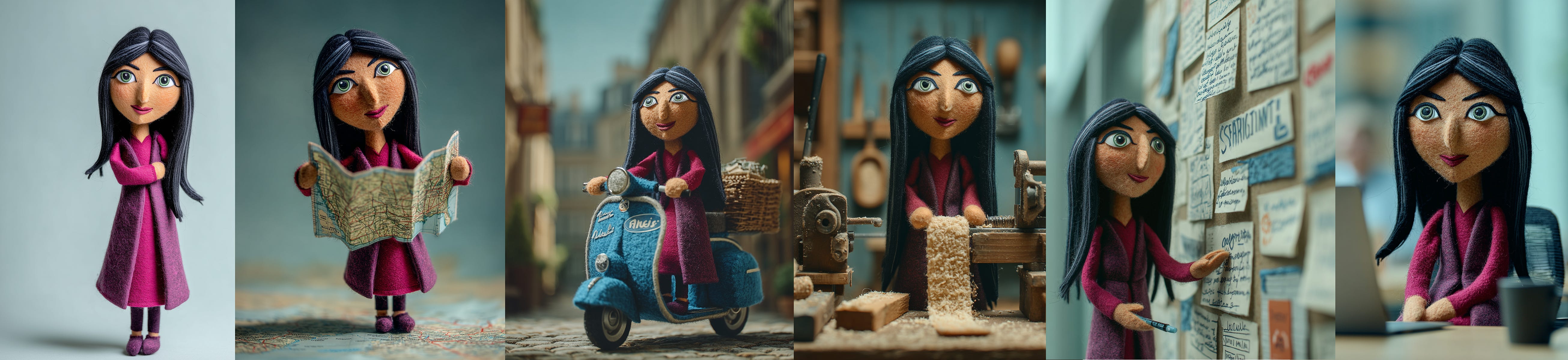
If you have been playing with AI for a while, you recall the challenge only a couple years back gave us, in even getting a consistent character. Whether that was wrangling with a LoRA, or using a Character Reference in Midjourney - our earliest solutions in the space still gave us a challenge to effectively define a model that realistically existed in multiple views. Here is one of a puppet character I used to tell a segment of the [Hu]man Element story just last year… yet note - while it somewhat works (puppets are more visibly forgiving than photo-real humans), I had to choose between the best of multiple renders to get even this level of consistency… and that was under a year ago.
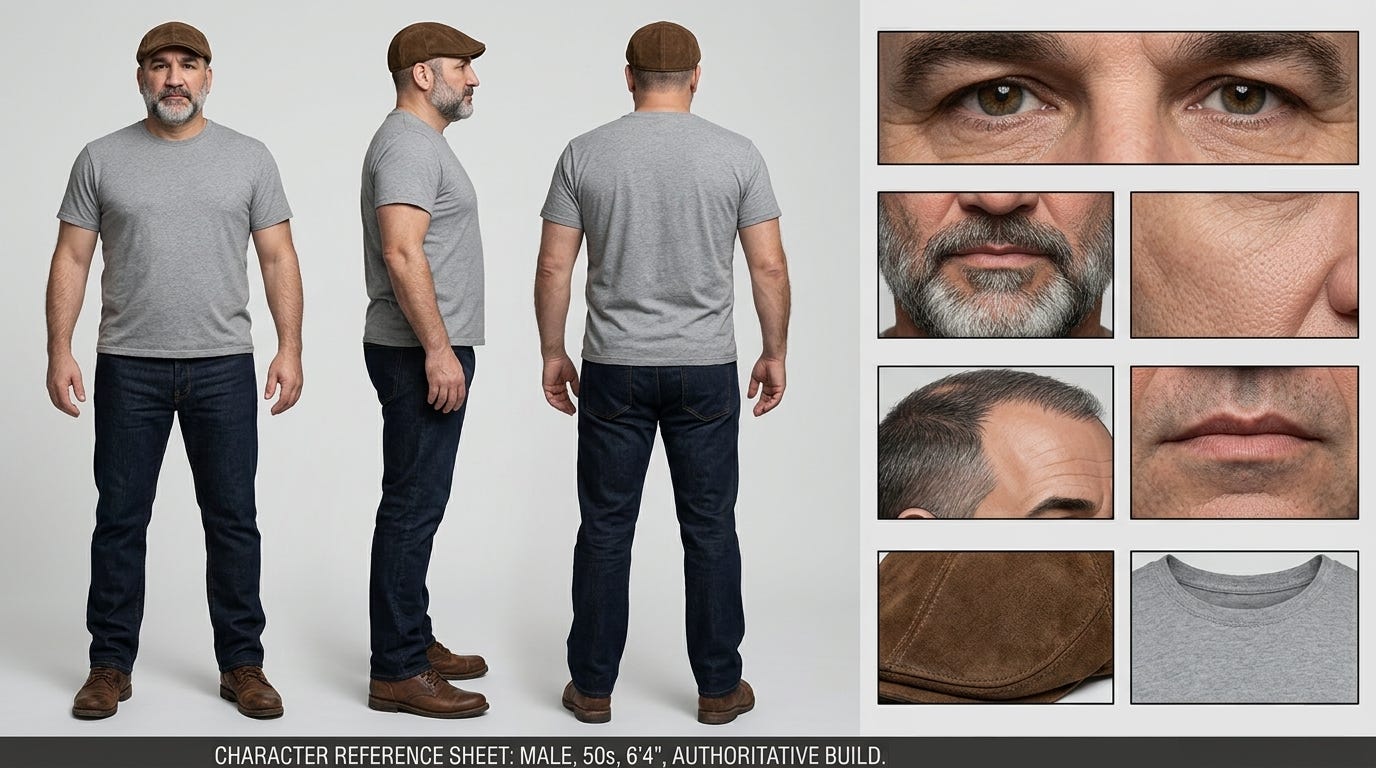
Now, we are able to produce a character with great consistency in a variety of platforms. Let me reiterate that consistent that is not real, is no longer an acceptable standard expected from AI. You may recall ‘Brad’ from my series earlier this year - where we built a Character Reference Sheet. These are fantastic, if you have one character, but the moment you introduce multiple characters into the shot, you then begin producing some conflicting information for the AI to distinguish between. Having multiple faces visible on a single reference sheet can confuse the model, leading to identity flip-flopping or "model bleed" when multiple characters are in a scene.
My friend Tim Simmons has a couple solutions he presently utilizes with great success. One he calls The 360-Video Extraction Method, and the other he calls The Face-Blocking Technique. Let me walk thru both of these.
The 360-Video Extraction Method
Instead of struggling to prompt consistent 3/4 and rear angles in an image generator (though Nano Banana Pro and 2 do it exceptionally well), generate a head-on view first, then run it through a video model with a simple prompt like "Turn the character around." You can screenshot the resulting video, and get perfect 360-degree angles because the video model handles the spatial logic and structure.
Let me show you in steps…
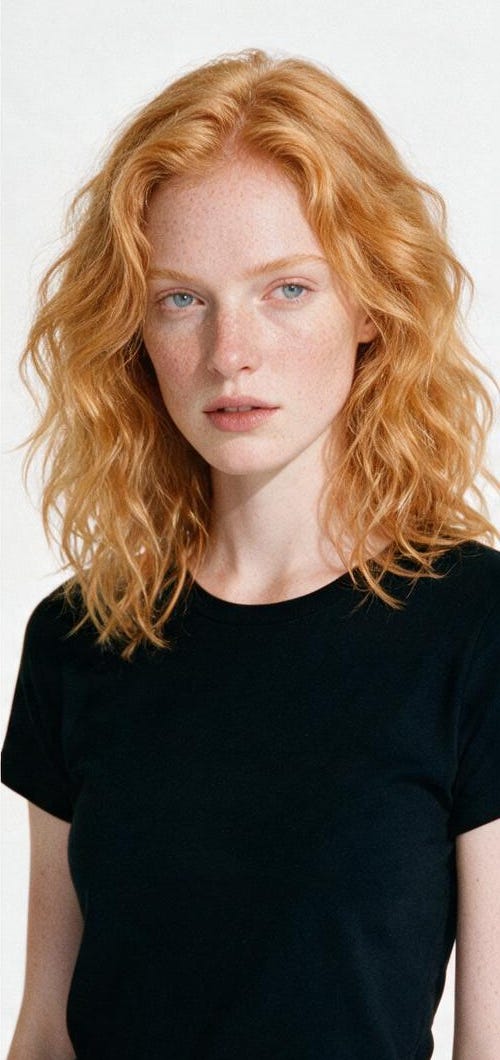
First, I want a simple character to work from. Following the same 4-up method of character creation as I shared in P2, here is a red head female in a black t-shirt.
Give me 3-up images of the model in <<<img1>>> as a super-hero character, separated by a thin black line, and each costume totally different of the 3 images. Full body view. Keep the curly red hair visible. Make the costume form-fitting performance material made of muted primary colors (different in each of the 3 images) that best match her red hair. Keep the background neutral white. Pose the woman from the front, straight on view, hands akimbo (fists on her hips, elbows out). Make her look confident and strong. Do not include any type of emblem. All white background.
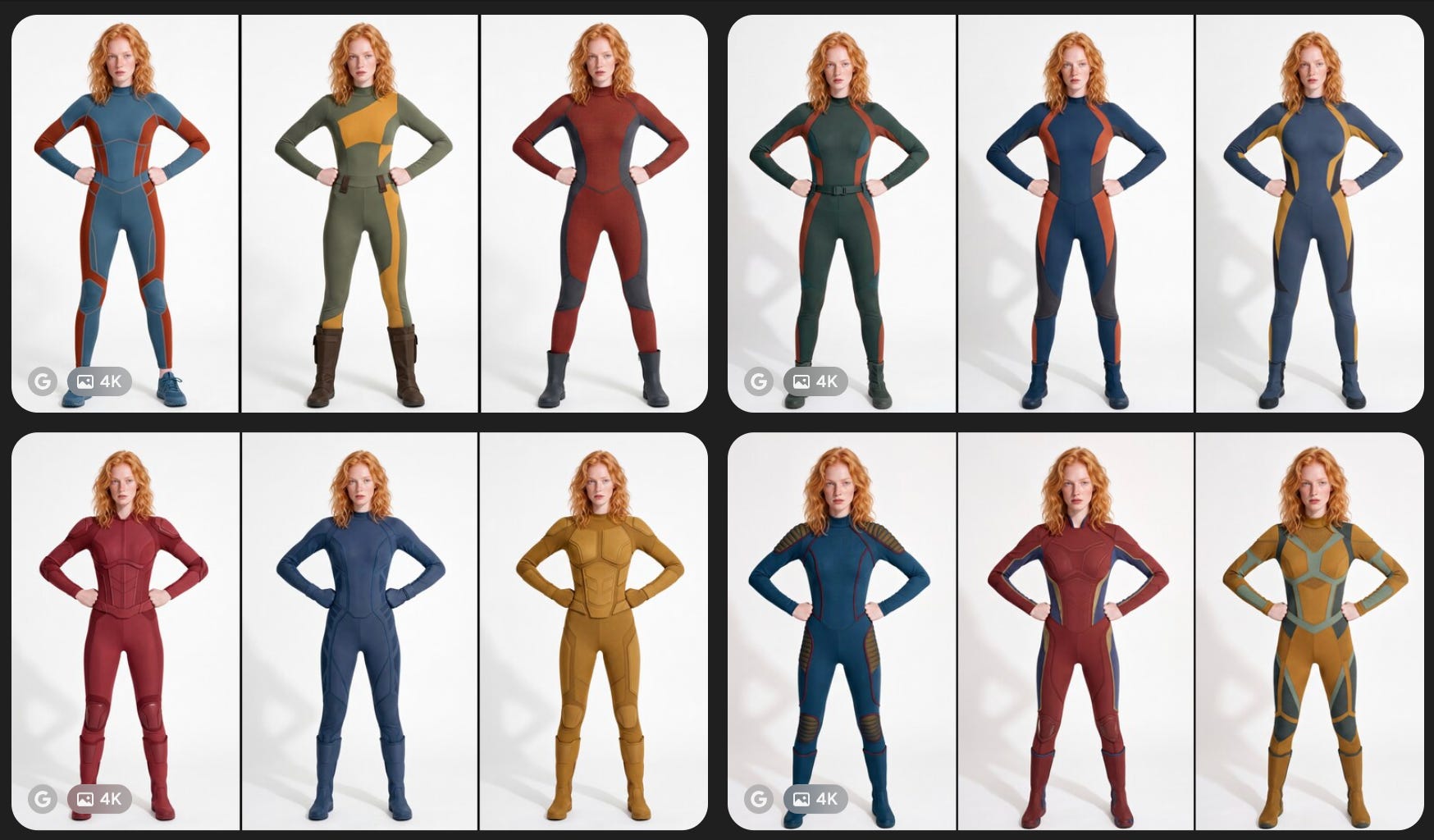
I chose this model version… and used Photoshop to isolate her.
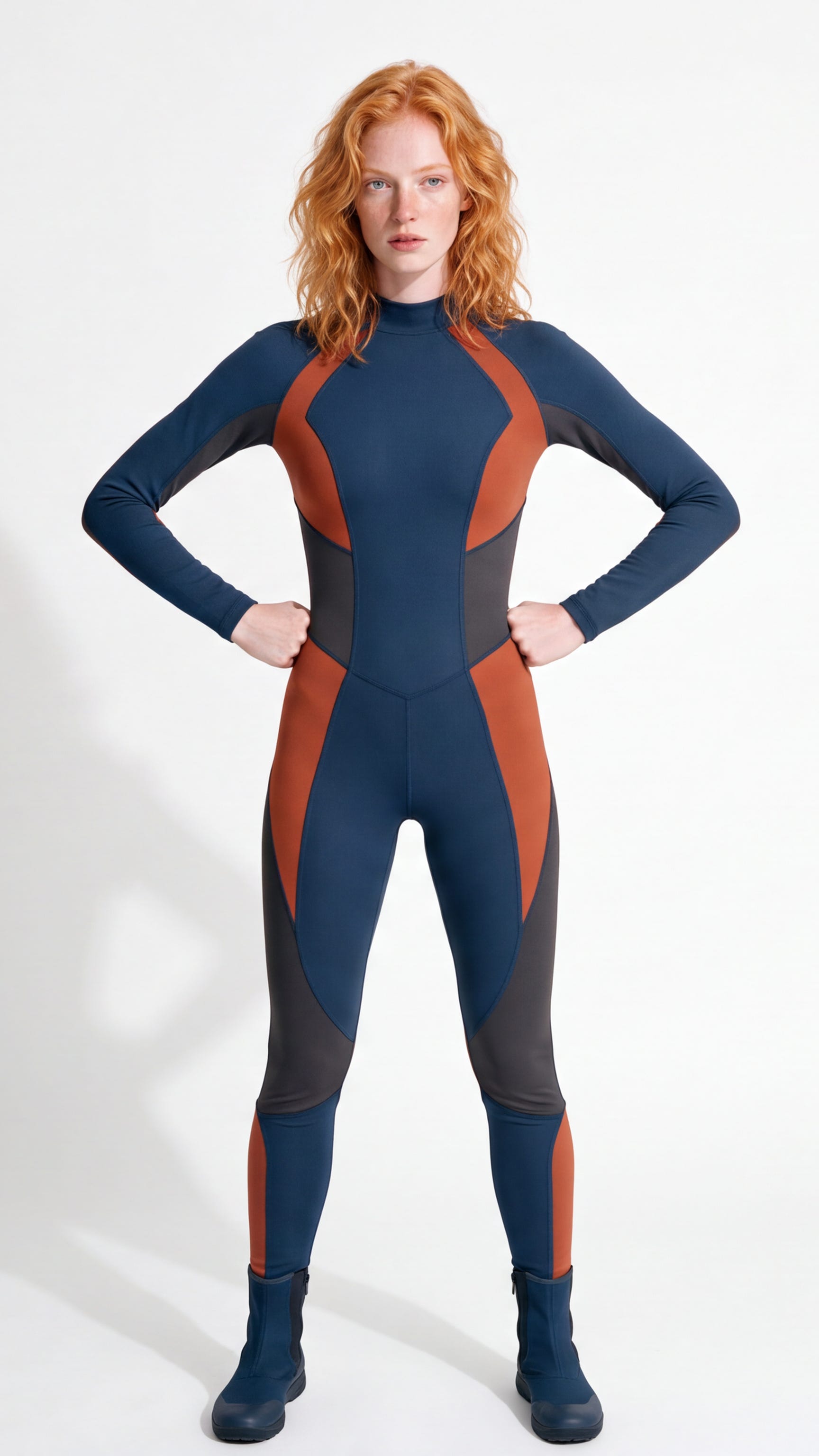
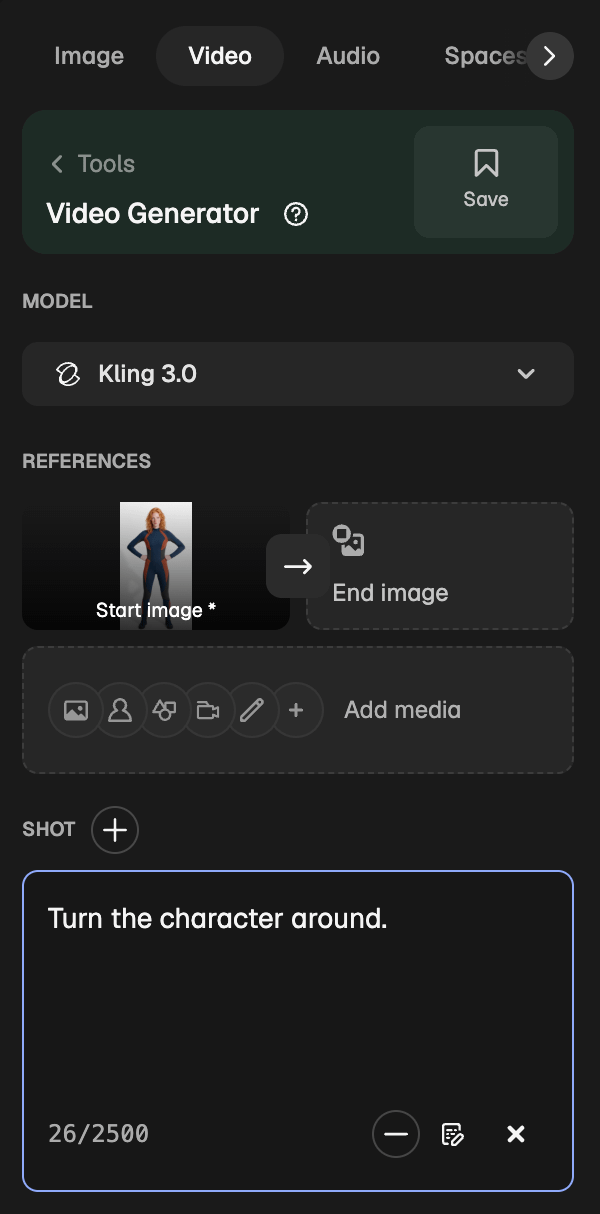
I used the Google Veo model to create this video:
All you need to do, is screenshot the various angles that you need, or you can do what I found to be easier (if you have Photoshop). Open the short clip in Adobe Photoshop, and pan the scroll head, then Export > Quick Export PNG.
