

How I Used One AI Reference Sheet (& Prompt) to Put Myself in Motion
A practical look at using Dreamina Seedance 2.0, Omni Reference, and structured video prompting to turn a simple character sheet into multiple believable scenes.

One of the biggest challenges in AI-generated video is not getting motion. It’s getting consistent identity.
A person can look right in the first frame, drift by the fifth second, and become someone else entirely by the end. The face changes. The outfit shifts. The body proportions wander. The whole thing starts to feel less like a video and more like a very confident identity crisis.
So for this test, I wanted to see how far I could push a single character reference.
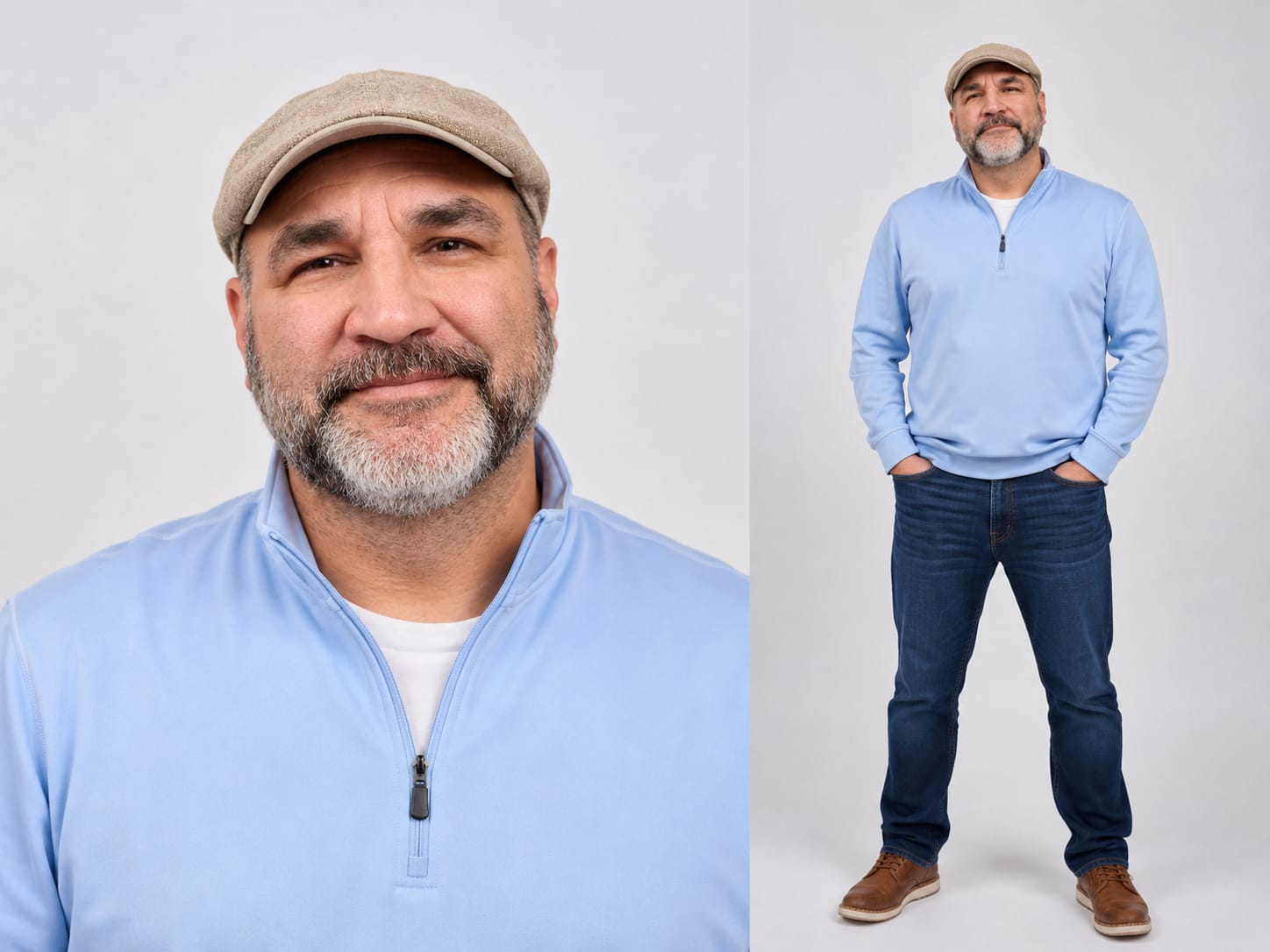
I created a simple visual reference of myself: a clean headshot paired with a full-body view, wearing the same outfit I wanted to carry into the video. From there, I used Dreamina Seedance 2.0 with Omni Reference to place that same character into different documentary-style scenes.
The goal was not to make a blockbuster.
The goal was to answer a practical creative question:
Can one well-built reference sheet help an AI video model preserve a person’s identity, wardrobe, and presence across multiple scenes?
The short answer: yes, with caveats.
The useful answer is what follows.
Setup Section Before Prompt 1
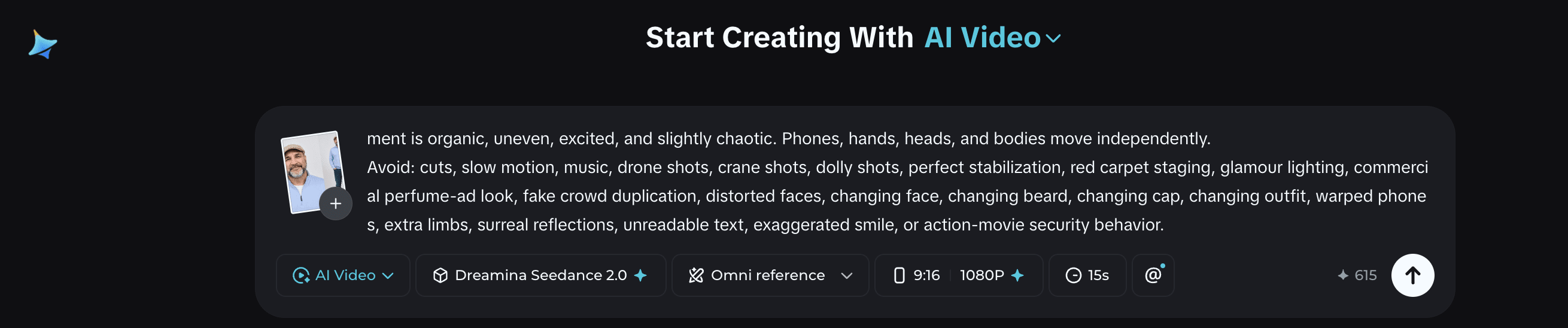
Before rendering, I chose:
Aspect ratio: 9:16
Resolution: 1080p
Duration: 15 seconds, currently the max
Model: Dreamina Seedance 2.0
Reference mode: Omni Reference
Reference image: one combined character sheet showing a headshot and full-body view
One important note: Dreamina has a 4000-character prompt limit. If the prompt exceeds that, it will not render until the prompt is cropped or revised.
That limit forces discipline. You cannot write a novel and hope the model sorts it out. You have to decide what matters most: character consistency, camera behavior, setting, movement, timing, audio, and exclusions.
For this first test, I used the reference image to place myself into an airport arrival scene before a creative conference.
This is the prompt:
Ultra-realistic documentary-style arrival scene at a busy airport terminal before a creative conference. Single continuous handheld shot from inside a small excited crowd behind event barriers. Crowd-perspective camera, natural micro-shake, imperfect framing, brief focus hunting, realistic exposure shifts. No cuts, no slow motion, no music.
The center focus is a tall, broad-shouldered middle-aged man @Brian_shotReference in casual creative-professional clothing. Neutral light gray studio background. Soft flat lighting. Single continuous shot. Natural handheld camera with very subtle micro-movement. No cuts. No music. The man has a salt-and-pepper beard, dark eyebrows, warm expressive eyes, and a calm, approachable presence. He wears a tan newsboy cap, light blue quarter-zip pullover over a white crewneck T-shirt, dark blue jeans, and brown leather casual shoes. Keep the same face, beard, cap, body shape, clothing, colors, and shoes throughout the full video.
0–3s: Handheld camera begins inside the crowd behind event barriers. View is partially blocked by shoulders, raised phones, hands, and event staff. Phone screens are visible recording the arrival area. The crowd is excited and expectant. Camera searches for a clear view of the glass arrival doors.
3–6s: Camera lifts slightly above shoulder level, shaky but controlled. Focus shifts between heads, waving hands, raised phones, cameras, and glimpses of the arrival doors. Anticipation builds as people lean forward to see. Event staff guide people to keep the walkway clear.
6–10s: Event staff open a clear path. Camera reacts with a small natural jostle as the crowd shifts. Through gaps between people and phones, the man becomes visible in the distance, slightly blurred at first, then clearer as he walks forward. Two staff members walk nearby. He walks calmly and confidently, aware of the crowd but relaxed.
10–13s: Camera makes a slight handheld push-in. The man is clearly visible in the center as event staff maintain the path. From the left side of the barrier, someone calls, “Brian! Welcome!” He turns slightly toward the voice, briefly makes eye contact, gives a warm genuine smile, and raises one hand in a small acknowledging wave. The crowd reacts with louder cheers. Camera struggles slightly to keep him framed as phones rise higher.
13–15s: Camera tilts and shifts while following him toward waiting vehicles outside the terminal doors. Partial view of dark vehicles through glass and crowd movement. A staff member opens a rear door. He enters calmly and quickly. The vehicle begins moving away. Camera lifts as people try to see. One final glimpse of his face appears through the side window before the vehicle leaves.
Motion: natural human movement only. No exaggerated celebrity behavior. Event staff move calmly and professionally. Crowd movement is organic, excited, and respectful. Phones, hands, heads, and bodies move independently.
Style: realistic portrait reference, clean studio lighting, natural human movement, simple wardrobe study, calm professional presence.
Avoid: crowd, airport, celebrity, public event, security, bodyguards, vehicles, shouting, phones, paparazzi, chaos, aggression, pushing, barriers, chase, dramatic lighting, slow motion, face changes, beard changes, cap changes, outfit changes, warped hands, extra limbs, distorted body, unreadable text.
There is a 4000 character limit with Dreamina, and if you exceed that amount, it will not render the requested video until the prompt is cropped.
For the next test, I kept the same character sheet and the same basic structure, but changed the setting, energy, and action. This is where the value of a consistent reference became more obvious.
