Commercial Scale + Field Applications • P7 • Spatial Relocation
A game-changing technique to take your character and setting, and let the AI seamlessly reposition them across various locations within the exact same environment. • Volume 2

In Part 5, we addressed the LookBook with AI, allowing us to create a plethora (I loved that word LONG before AI decided it was a good word too, so I am going to keep using it) of image assets of our model, in their unique outfit, in our predetermined setting, expressing their own flamboyant personality.

Today, I am going to expand on that with 2 unique directions.
First, the reformatting of the existing prompt request (how you ask), to totally reimagine the possible. Second… well, that’s just too cool for words right here at the starting line, so we will look at that one in just a bit. But a hint is your character + an environment = placed anywhere!
Before we dive into this article, if you haven’t seen the Part 5 article - click it and read it. There are some excellent pointers in there. And I will add, if you haven’t taken the almost-30 minutes to watch the YouTube video I dropped on Tuesday (July 28), be sure and watch to get up to speed with where this lesson kicks off.
In the Video, I produced this great character with some wild hair, and a neat sleeveless hoodie.
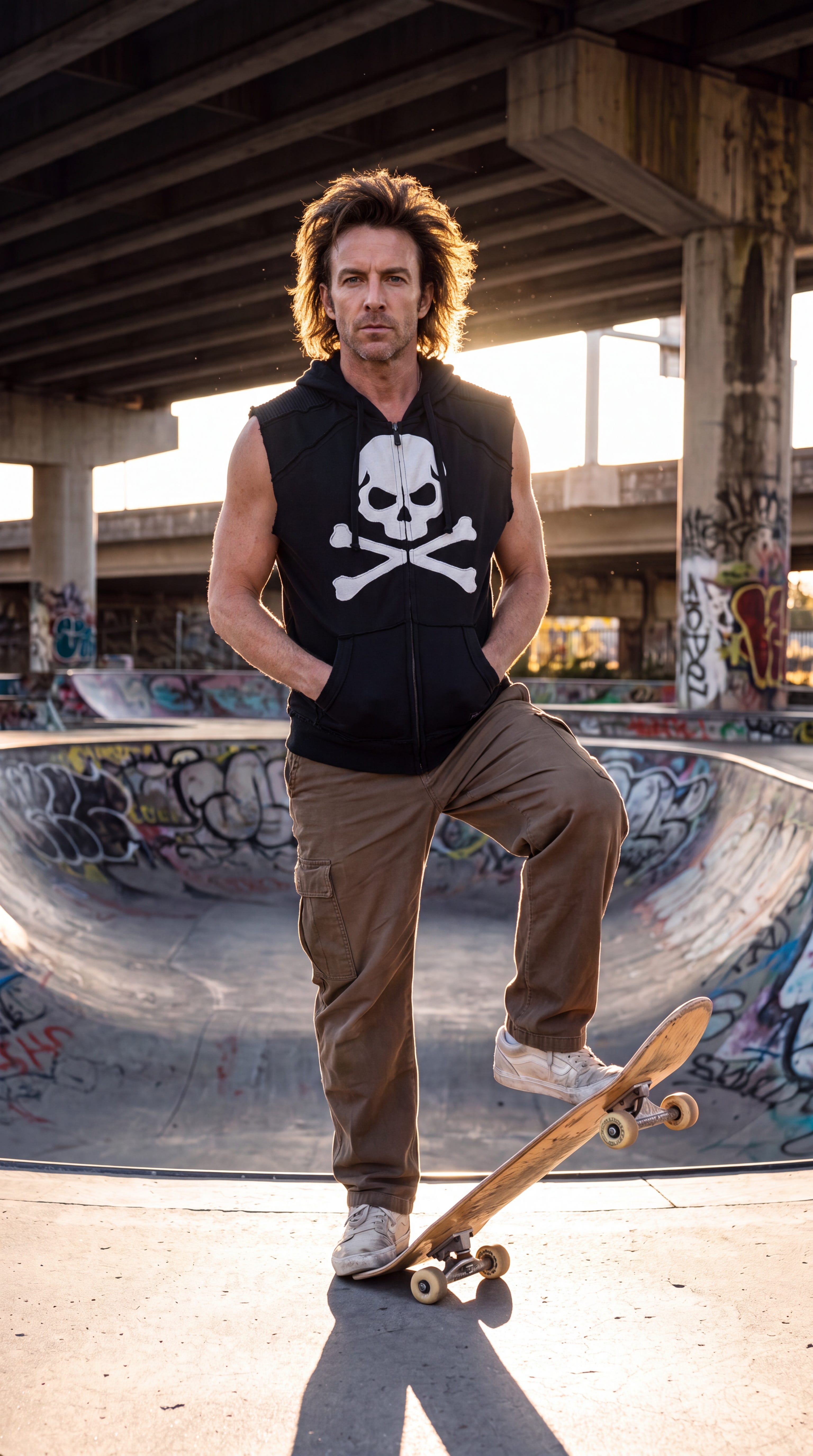
Technique 1: Action Alteration (Modifying the prompt to change the activity while preserving the setting/outfit).
Using the following prompt (ran a few times), we got a lot of neat images:
I need to create an entire photo campaign around the man and garment in img1 so use is scene as a reference and create three new identical vertical photos separated by a thin white line that show this same man in different positions and camera angles in some shots. some close ups but make the garment the hero. shallow depth of field. high fashion magazine cover photo but don’t add any words. Add personality and a little quirkiness to the poses. Shot on a DSLR camera, with Kodachrome film.
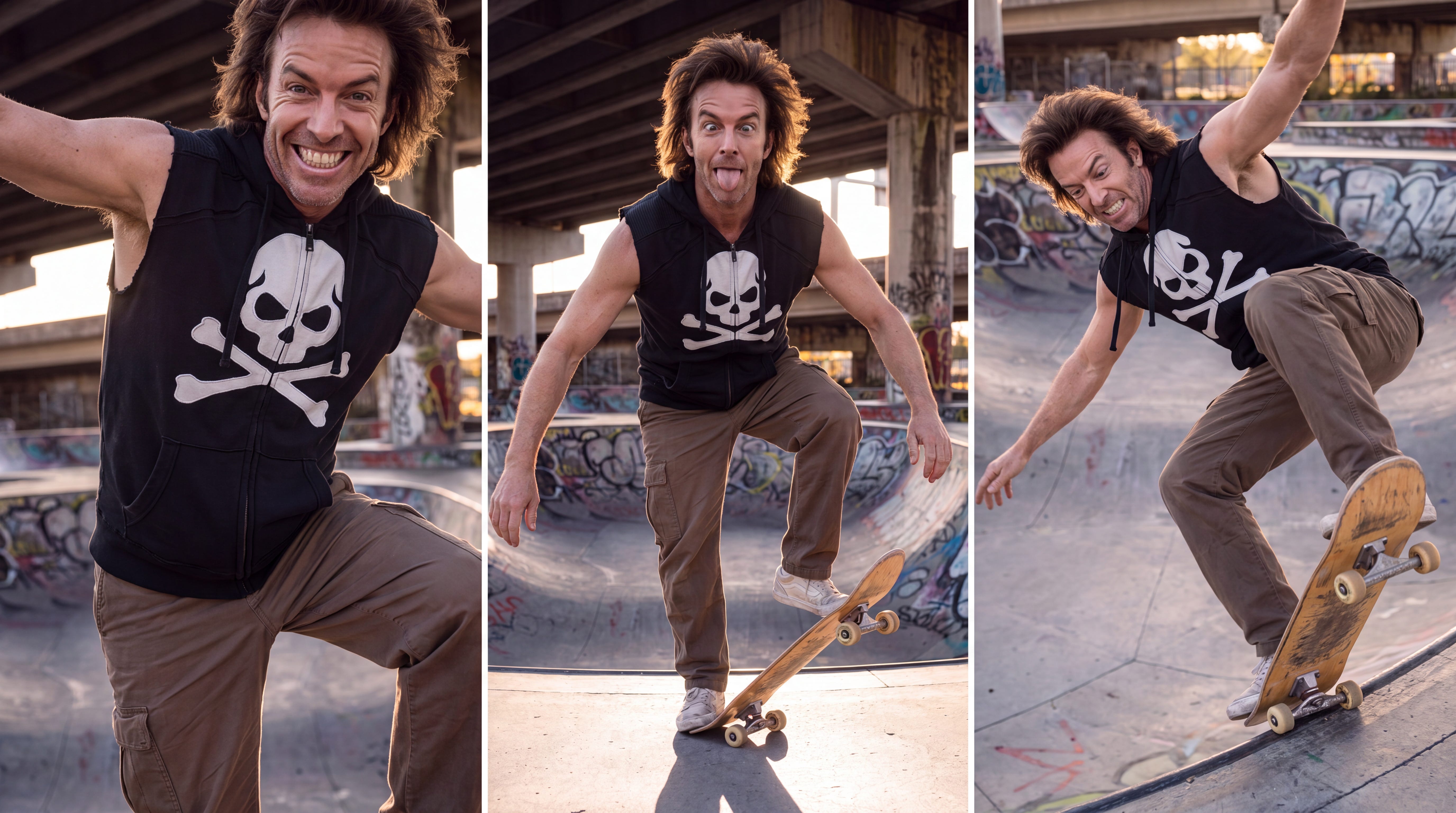
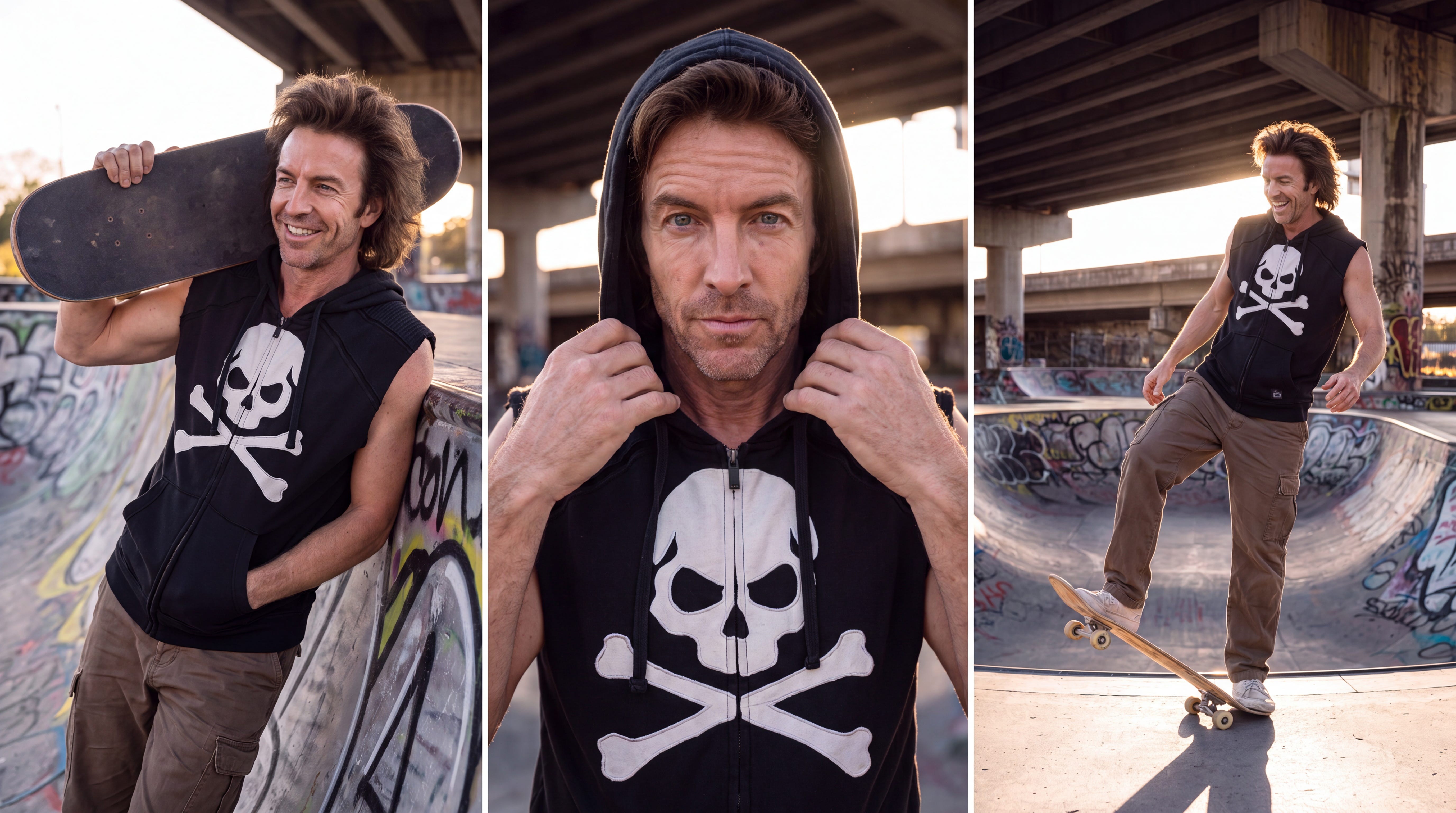
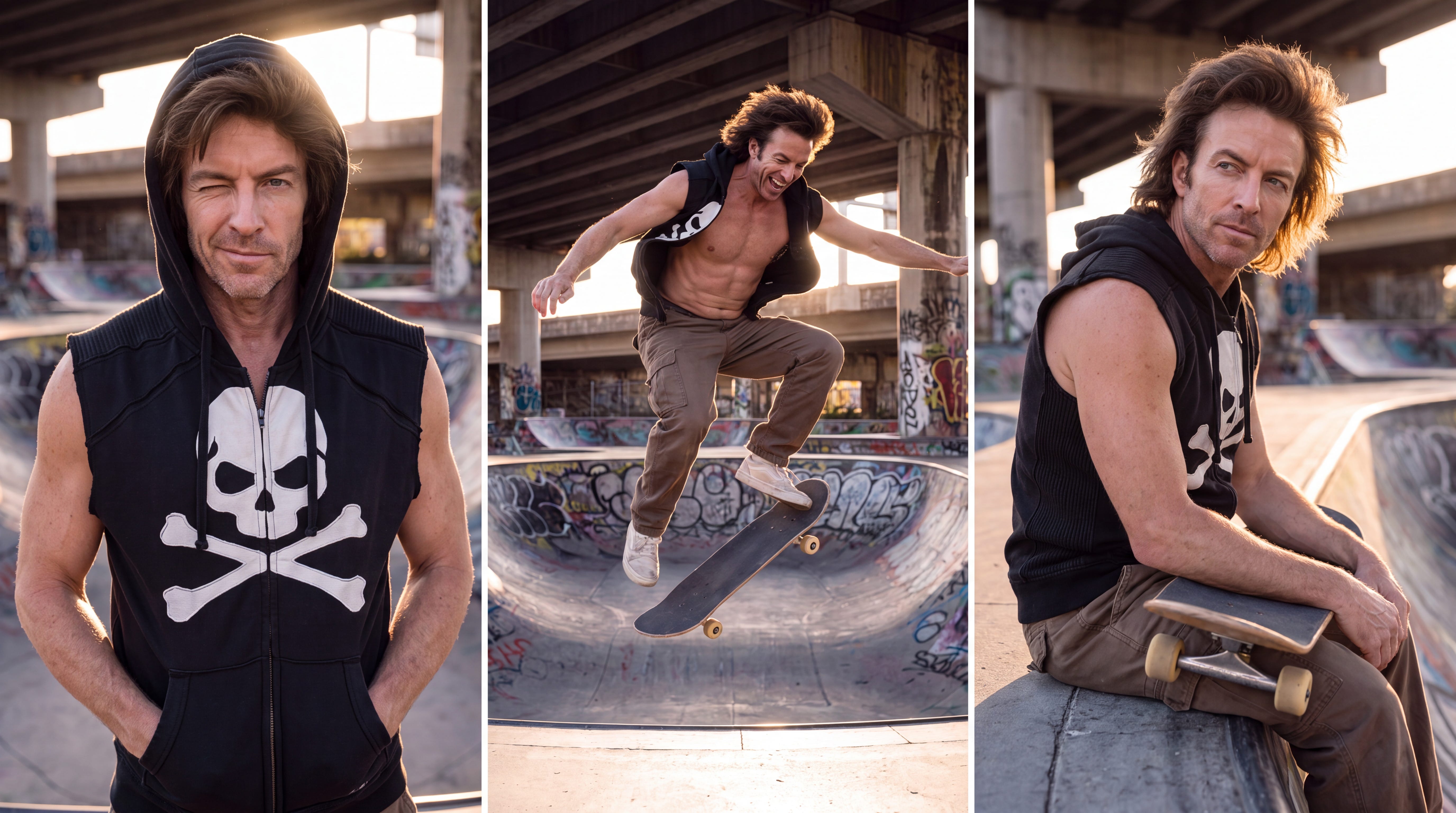
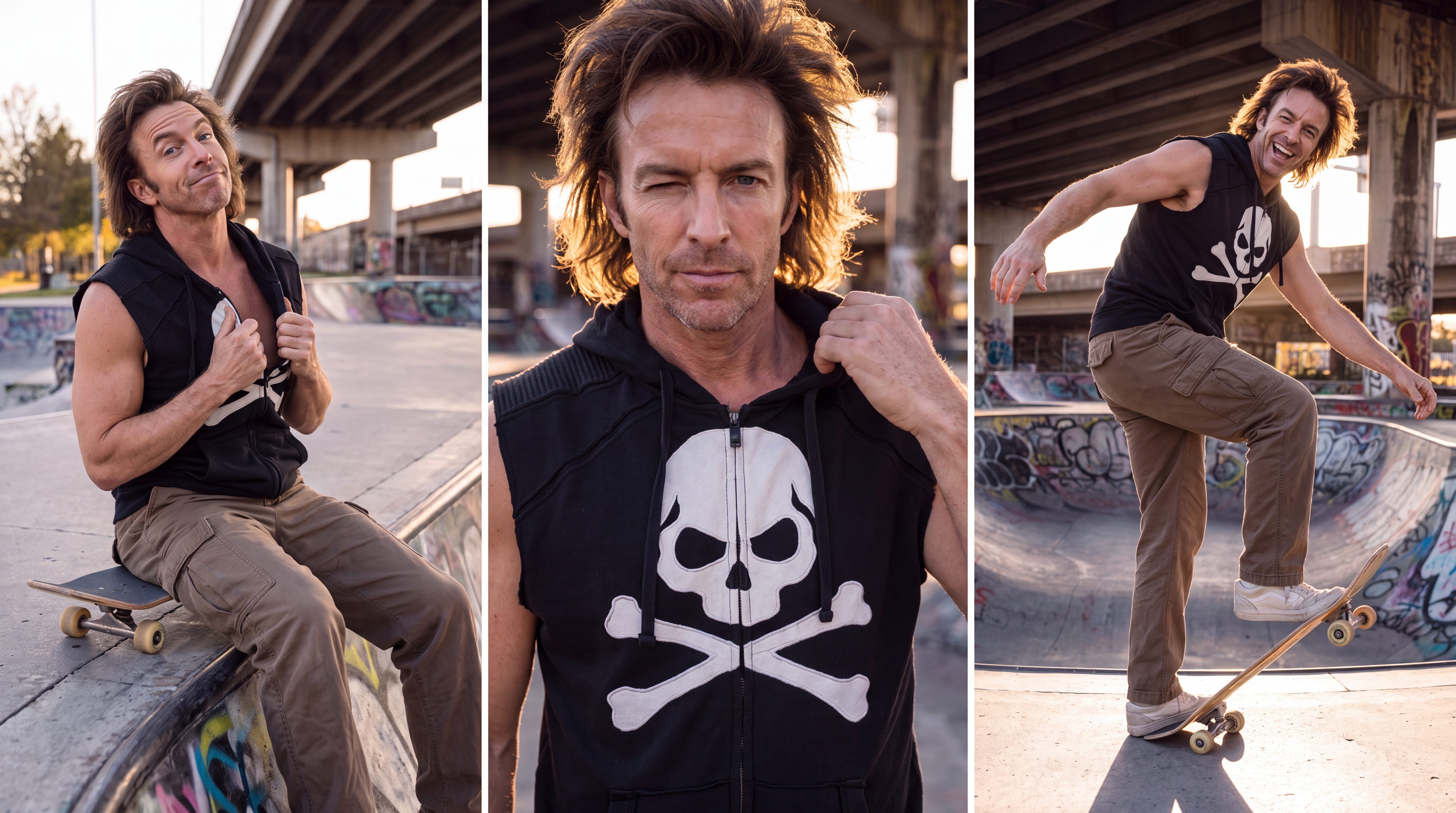
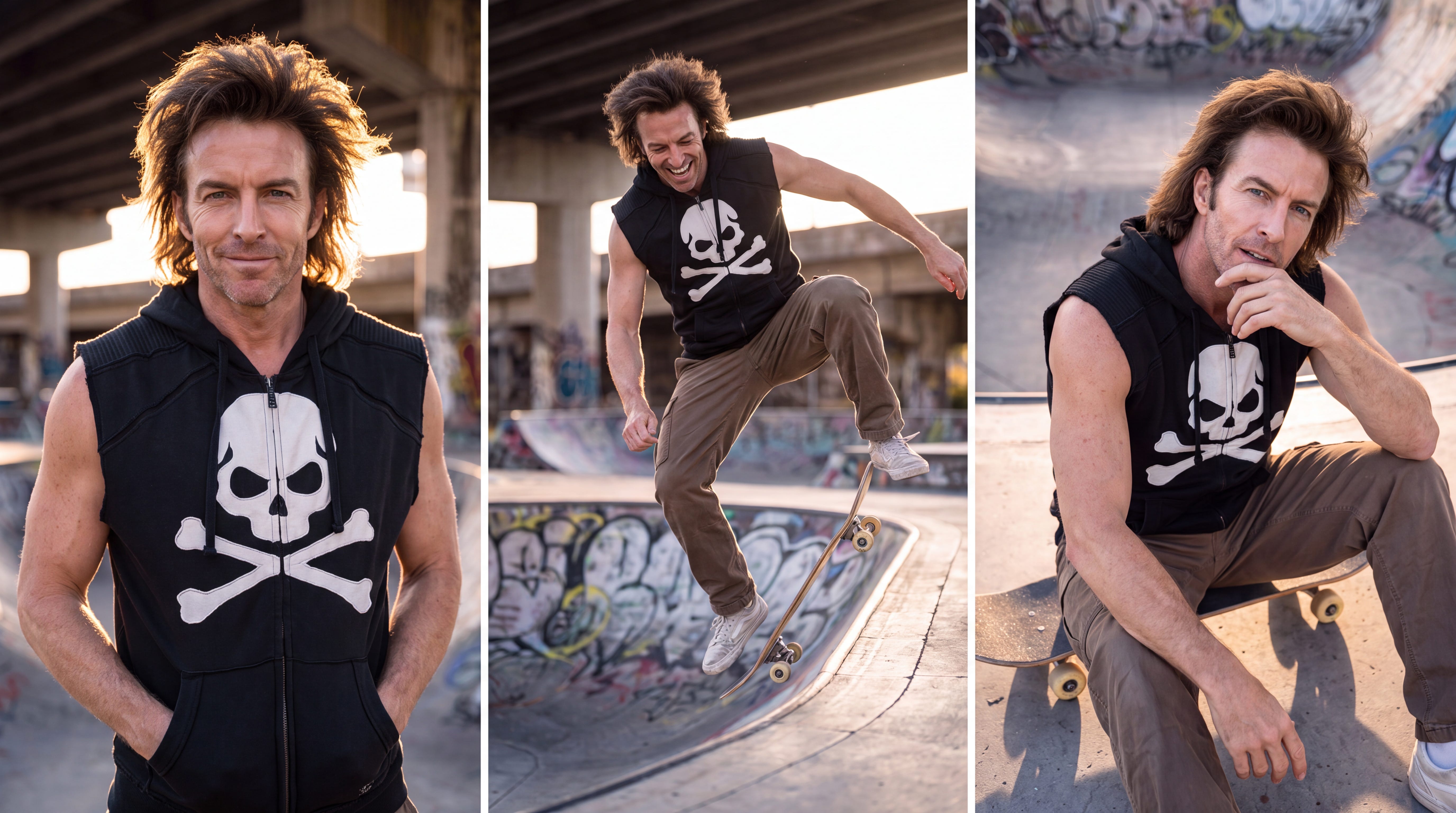
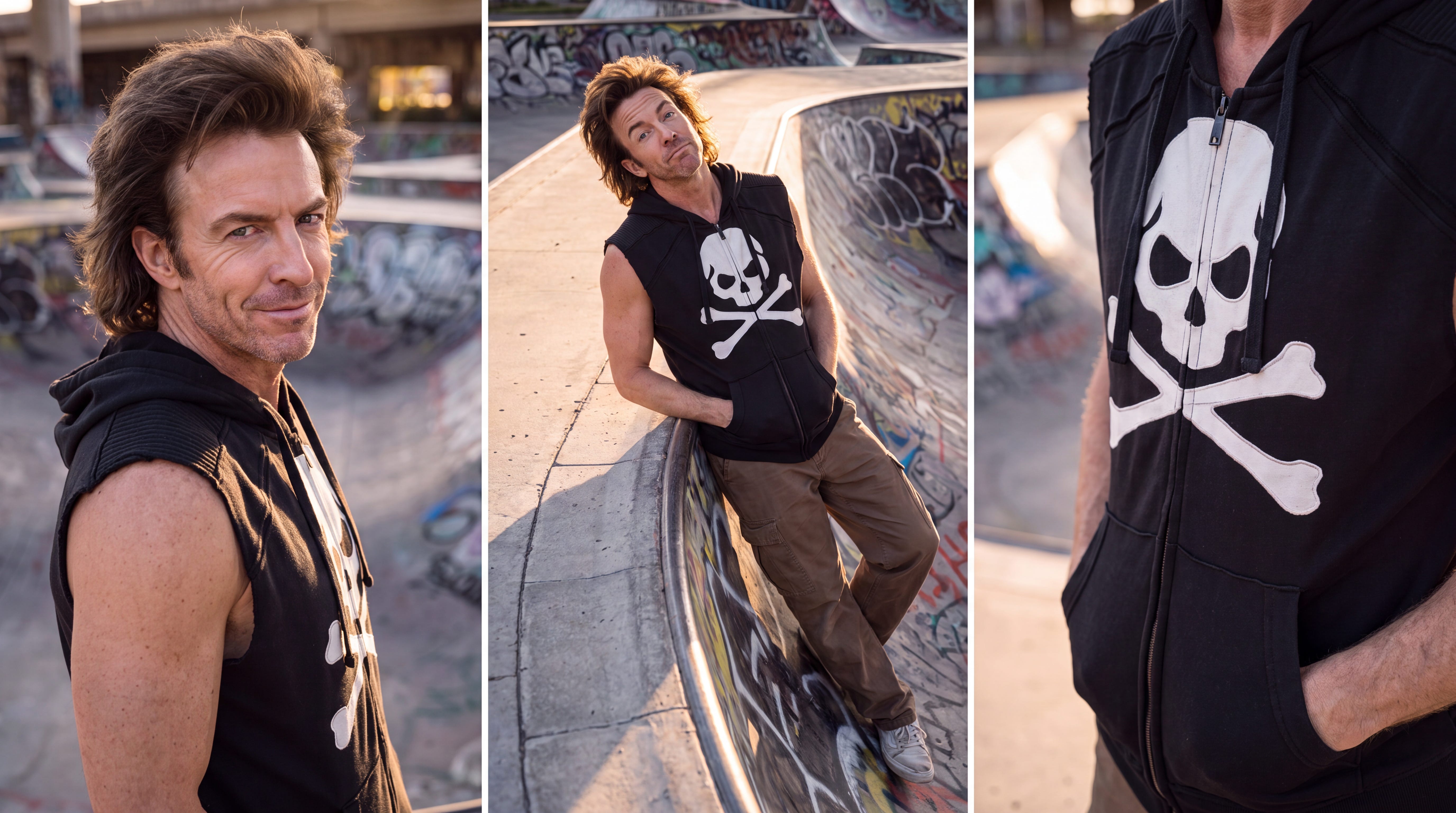
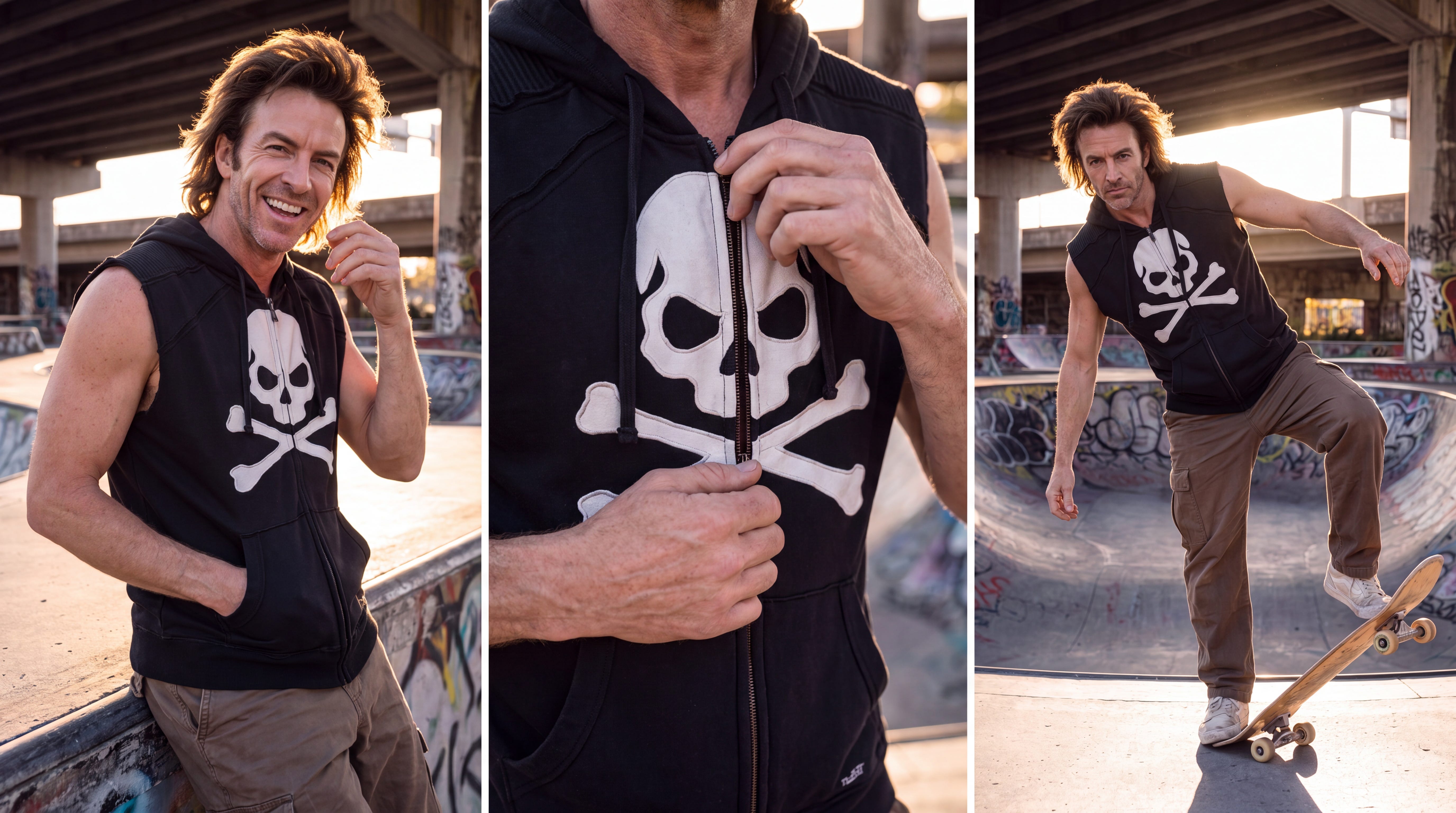
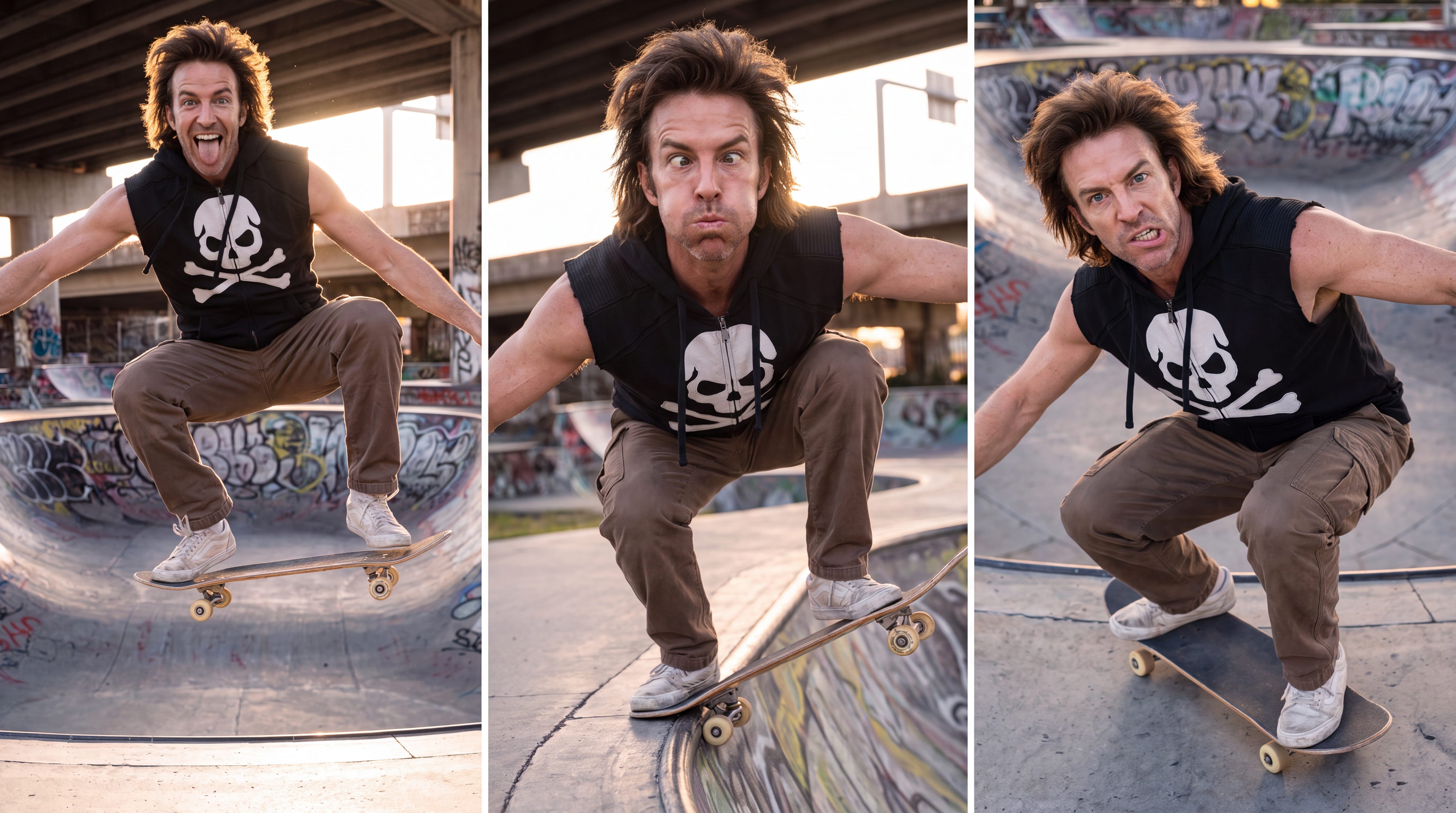
These are awesome! So much personality expressed, while retaining the exact same character throughout. While I love the vibe - what if we wanted the man to be doing something else - but in the same outfit, same scene… just otherwise occupied?
I need to create an entire photo campaign around the man and garment in @img1 so use is scene as a reference and create three new identical vertical photos separated by a thin white line that show this same man in different positions removing the zip hoodie, and giving it and his skateboard to a young teen boy (African American with great afro). Utilize varied camera angles in the shots. Some close ups but make the garment the hero. Shallow depth of field. High fashion magazine cover photo but don’t add any words. Add personality and a little quirkiness to the poses. Shot on a DSLR camera, with Kodachrome film.
Well, you just need to modify the action you want seen in the scene!
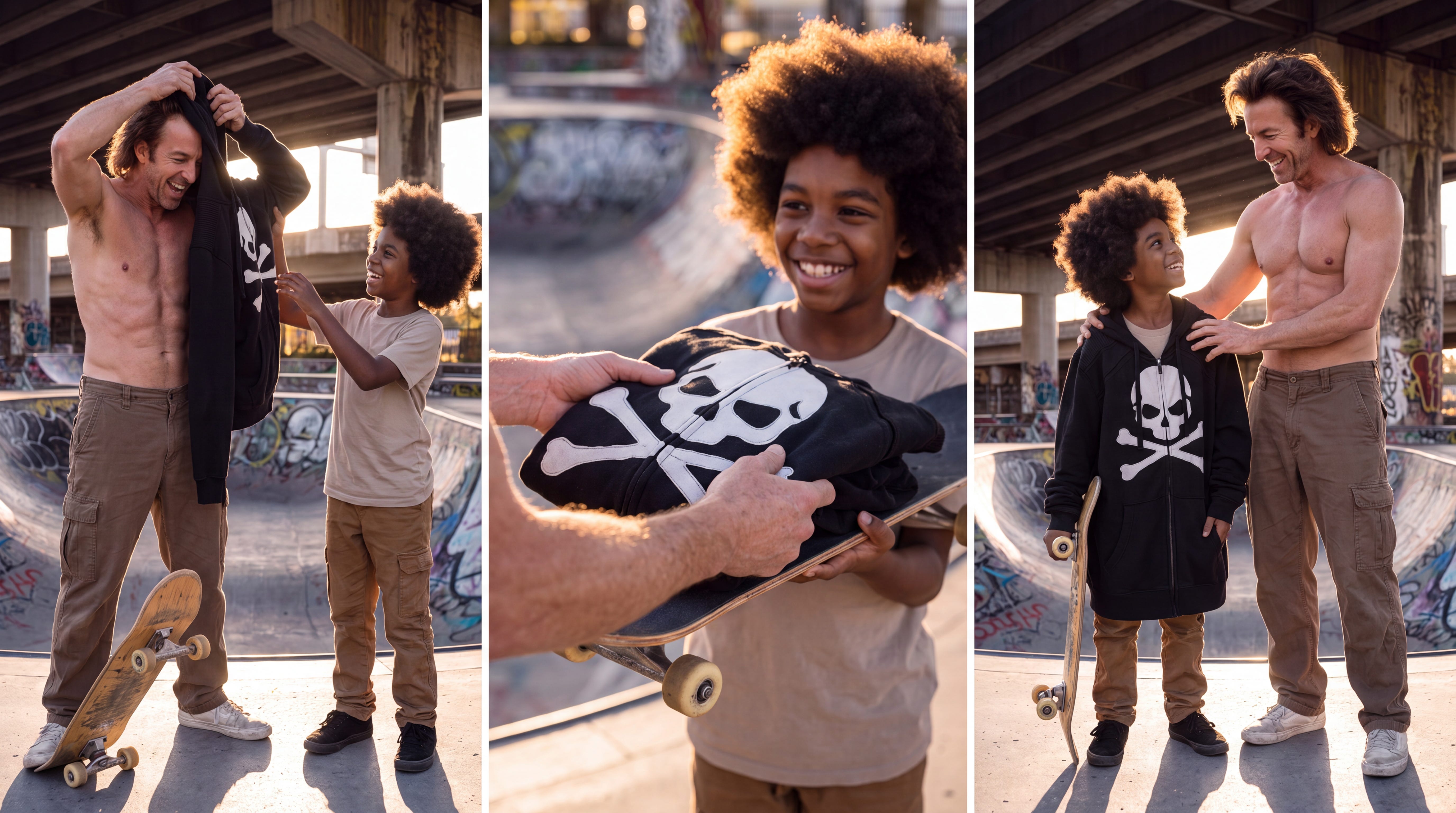
But that is not all… what if strumming a guitar was more the vibe?
I need to create an entire photo campaign around the man and garment in @img1 so use is scene as a reference and create three new identical vertical photos separated by a thin white line that show this same man in different positions sitting on his skateboard, strumming a vintage Les Paul guitar in black. Utilize varied camera angles in the shots. Some close ups but make the garment the hero. Shallow depth of field. High fashion magazine cover photo but don’t add any words. Add personality and a little quirkiness to the poses. Shot on a DSLR camera, with Kodachrome film.
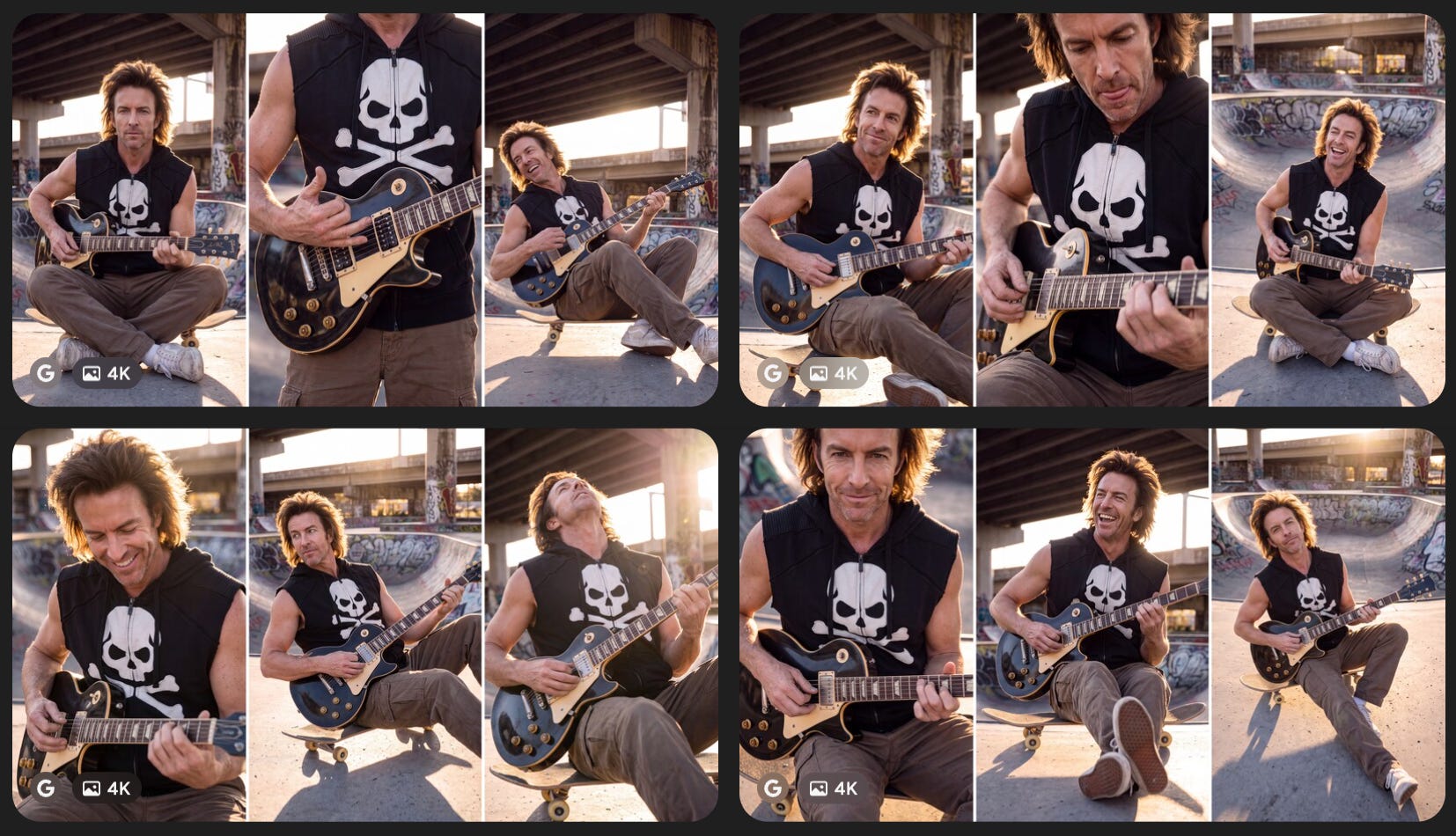
See the vibe? You can nail your character, and vary the activity easily with a slight prompt modification. This is where I find Magnific with the varied partner tools (like Nano Banana Pro/2) do an exceptional job!
But I called this Part 7 • Spatial Relocation - and sure our rocker skate-border is showing up in random ways in each scene generation, that is not technically “Spatial Relocation”.
Technique 2: Spatial Relocation (Injecting the character into a completely foreign, pre-generated environment).
So, what IS Spatial Relocation? Glad you asked. I am going to show you how we can supply our character (decked out like we want them to be) and a scene - and let AI drop our character “in scene” randomly interacting with the space… and here is how we do that!
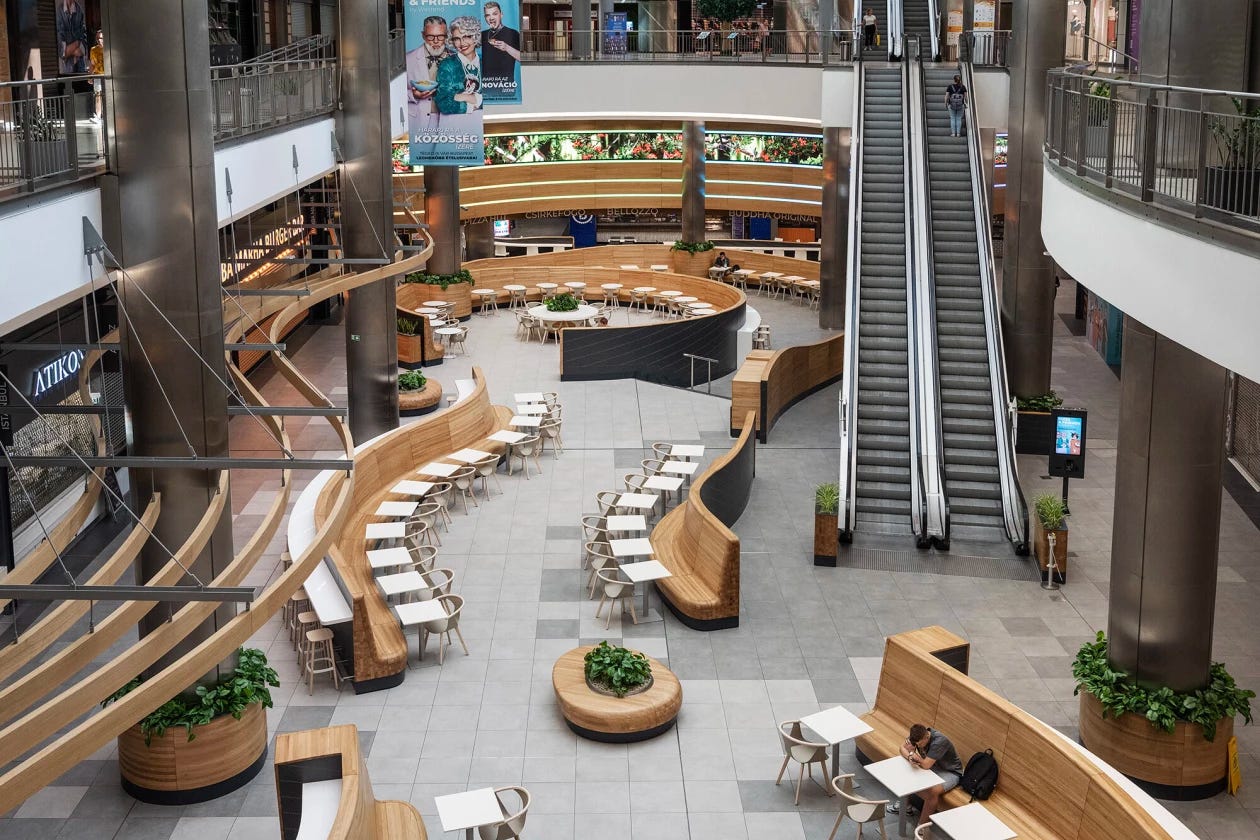
Let’s start with a place to put our character. I have genuinely enjoyed the underpass skatepark - but let me take the skate-boarding rocker to a whole new place… How about a modern mall food court? I found this picture of just the place (to serve as AI inspiration.) Here goes the magic. First step - ChatGPT (you know the drill if you read the prior posts).